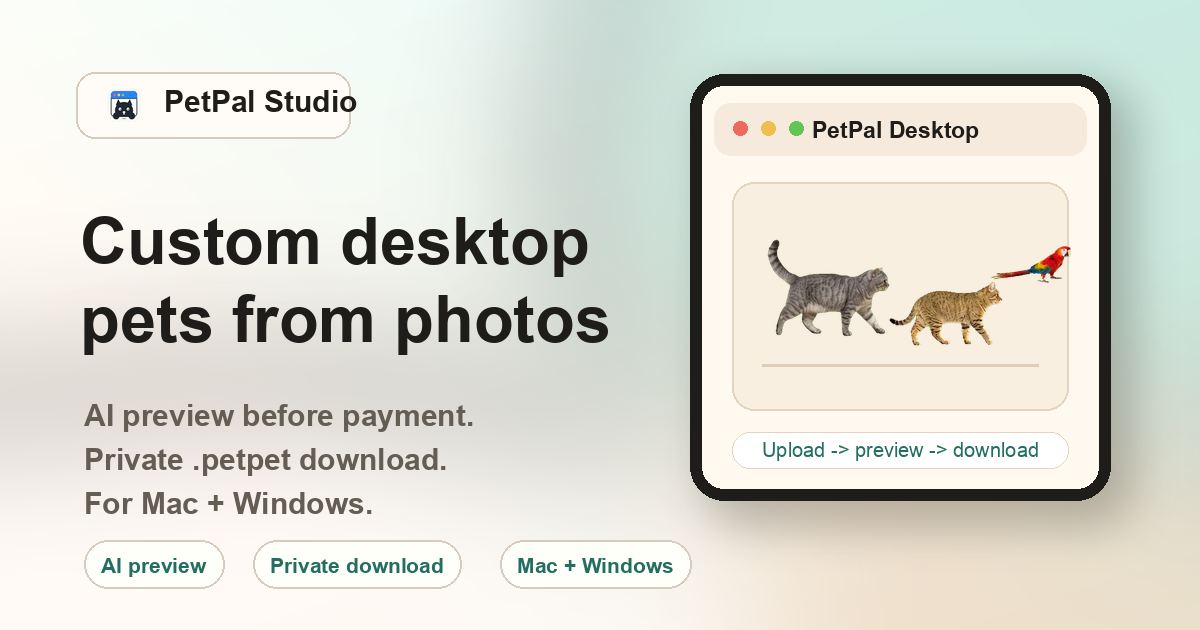
What makes a desktop pet custom?
A generic desktop pet uses the same character for everyone. A custom desktop pet starts from your own photo, so the final companion can reflect the shape, color, and feeling of a real cat, dog, rabbit, bird, or other pet.
Cats
Orange cats, silver cats, long-haired cats, and other clear cat photos.
Dogs
Small dogs, large dogs, puppies, and clear full-body dog photos.
Other pets
Rabbits, birds, reptiles, and other pets with a visible outline.
How the download works
After payment, the success page and delivery email include private links for PetPal Desktop on Mac, PetPal Desktop on Windows, and your generated .petpet file. The links include a unique order token, so the package is not exposed as a public file.
Why source photo quality matters
A custom desktop pet depends on the source photo: lighting, outline, pose, and background all affect the generated walk cycle. PetPal Studio unlocks the preview after checkout so you can check the generated result before importing the private pack.
How to get a better result
Start with the clearest photo you have. Avoid tiny subjects, dark rooms, heavy blur, and photos where the pet is hidden by a blanket, cage, or person. A cleaner source photo improves the generated preview after checkout.
FAQ
Can I create a desktop cat from a photo?
Yes. Cat photos are one of the main use cases for PetPal Studio.
Can I create a desktop dog from a photo?
Yes. Clear dog photos can be turned into a .petpet desktop pet package.
Can I upload before payment?
Yes. Checkout unlocks the generated preview. If the motion, outline, or likeness has an issue, contact support with the order ID.
Do I get the software too?
Yes. Paid orders include Mac and Windows app links plus the generated .petpet file.