Photo-based companions
Use a selected pet photo or imported PetPal package as the basis for a small animated companion inside the app.
Create or import a pet companion, keep it close on the Home Screen, Lock Screen, StandBy, and Dynamic Island, then use reminders and light interactions to make daily tasks feel warmer.
The App Store link opens the public PetPal Studio listing.
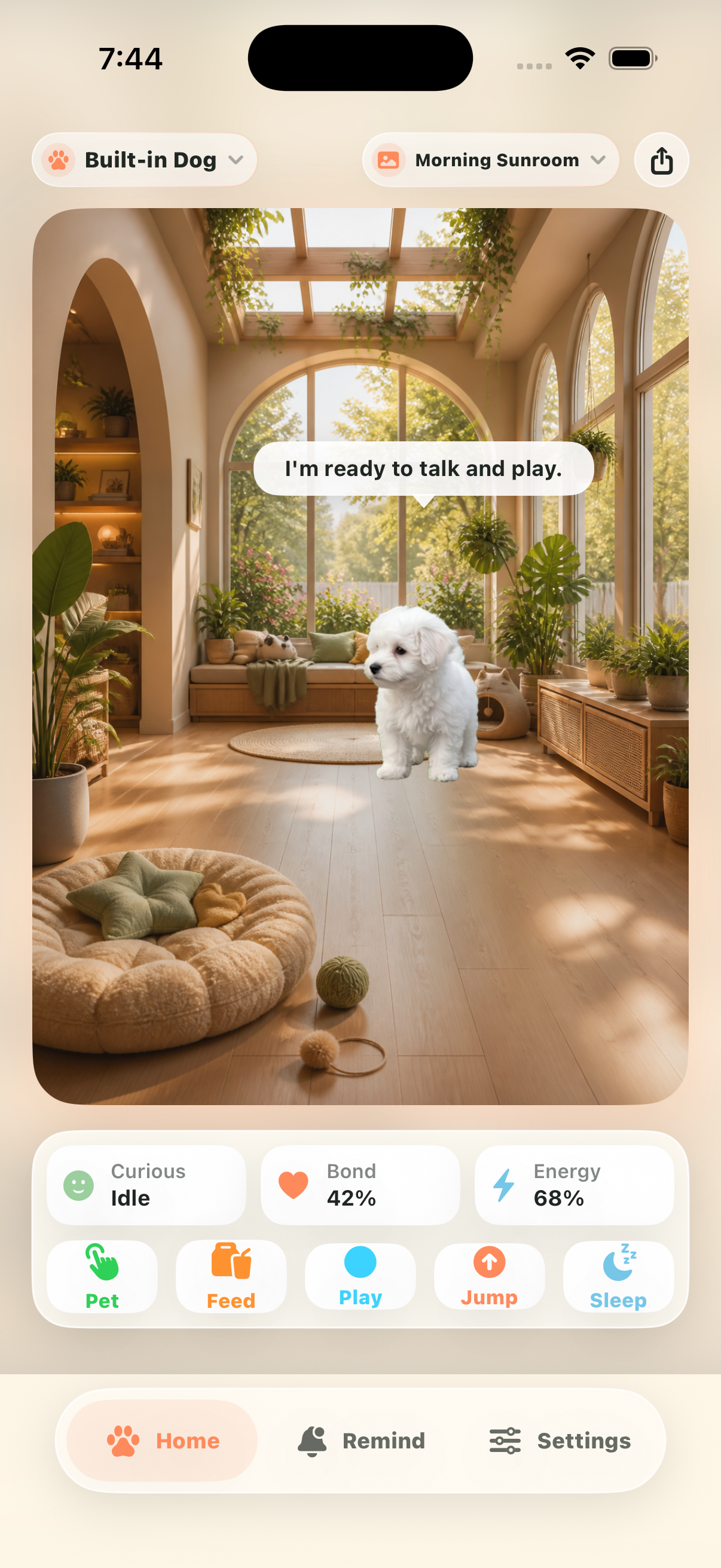
Use a selected pet photo or imported PetPal package as the basis for a small animated companion inside the app.
Keep your companion visible in widgets, Lock Screen, StandBy, and Dynamic Island moments outside the main app.
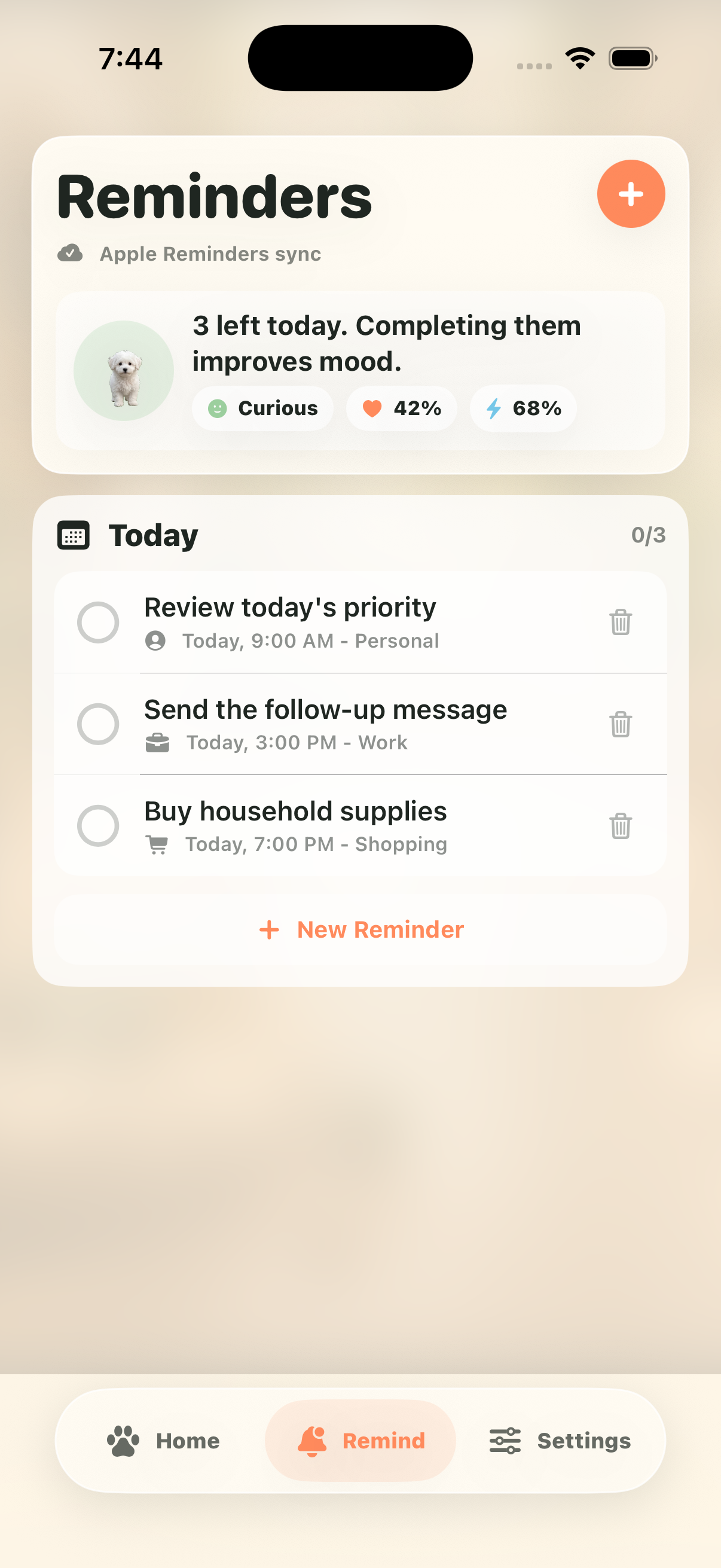
Create pet-themed reminders, feed, pet, play, jump, and keep multiple generated companions in your library.
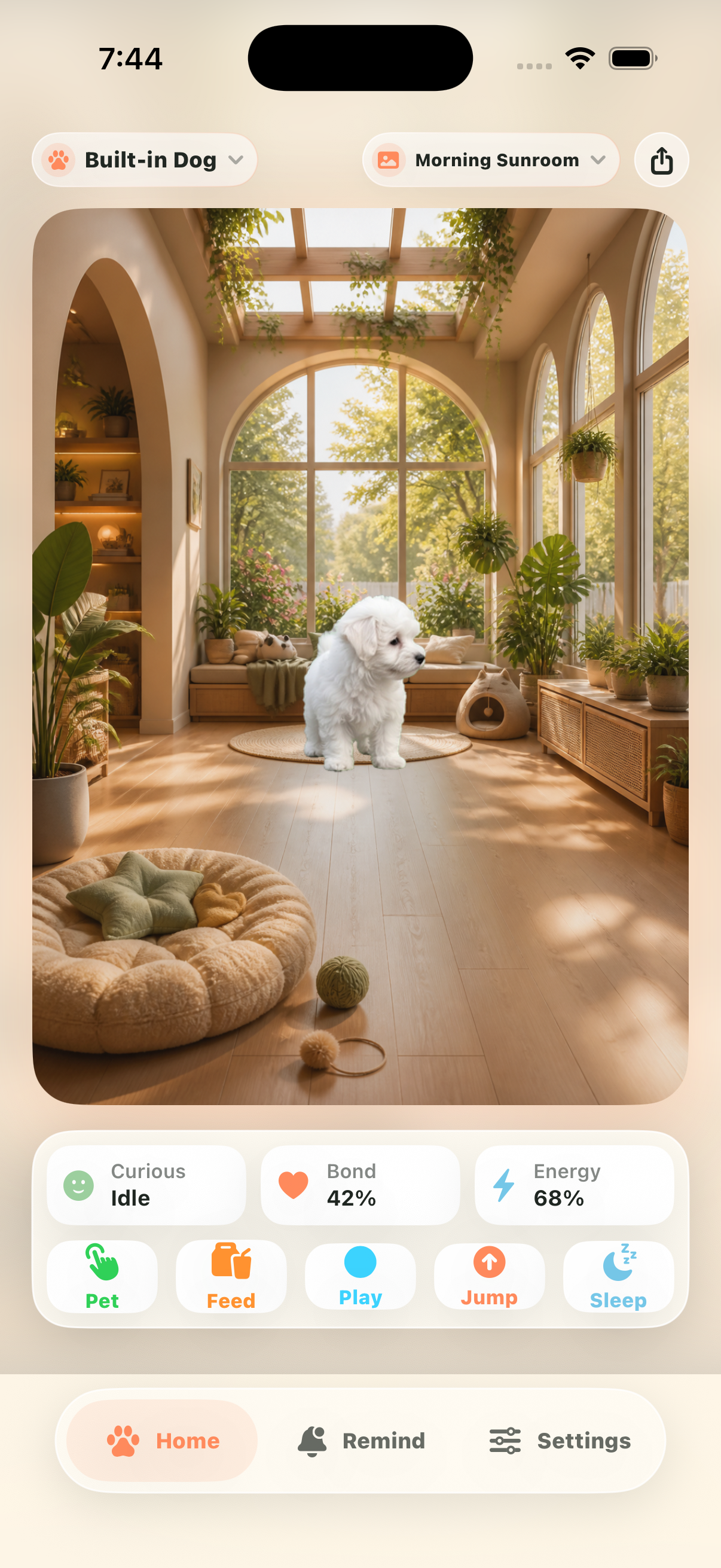
See the main companion view, pet reminders, library management, pet creation, and membership screen from the current iPhone app.
Home companionPet reminders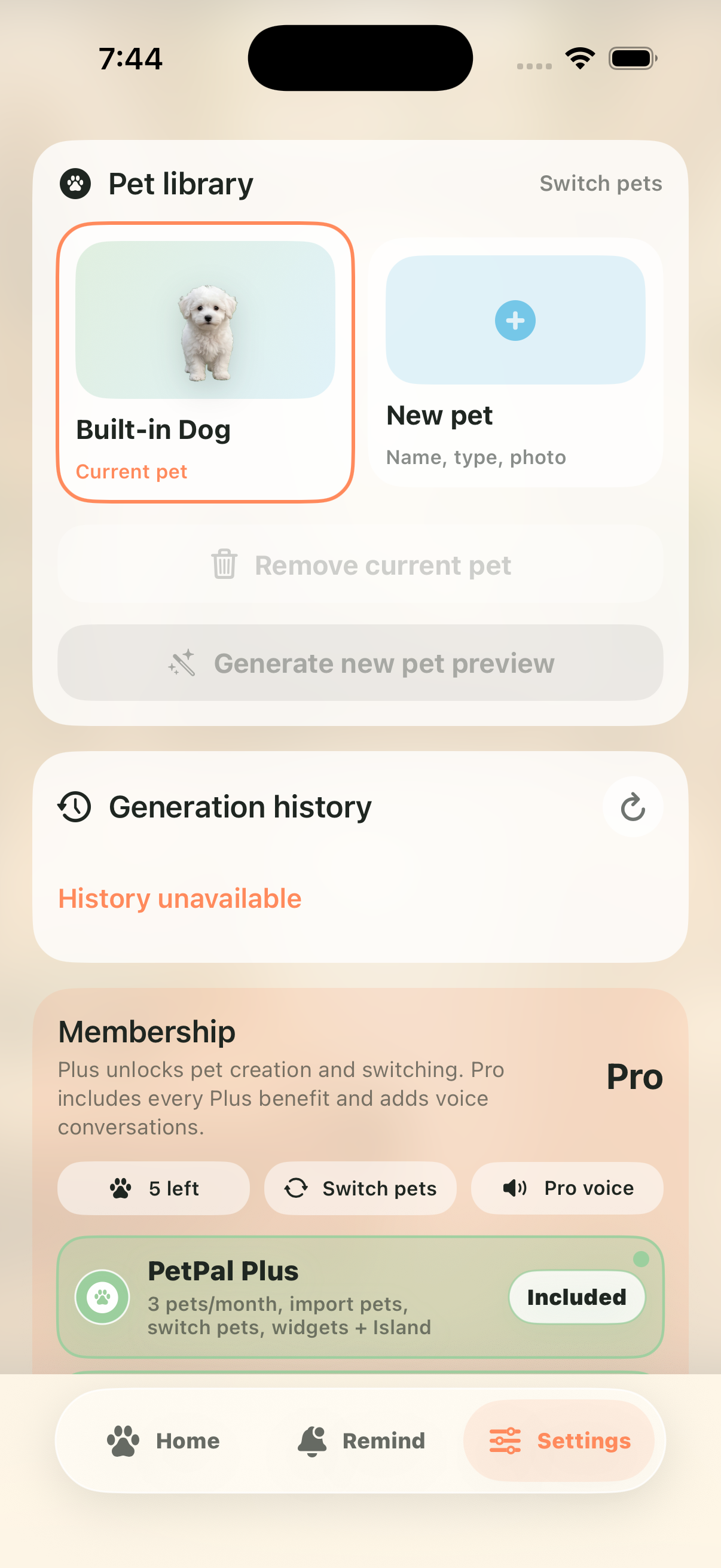 Pet library
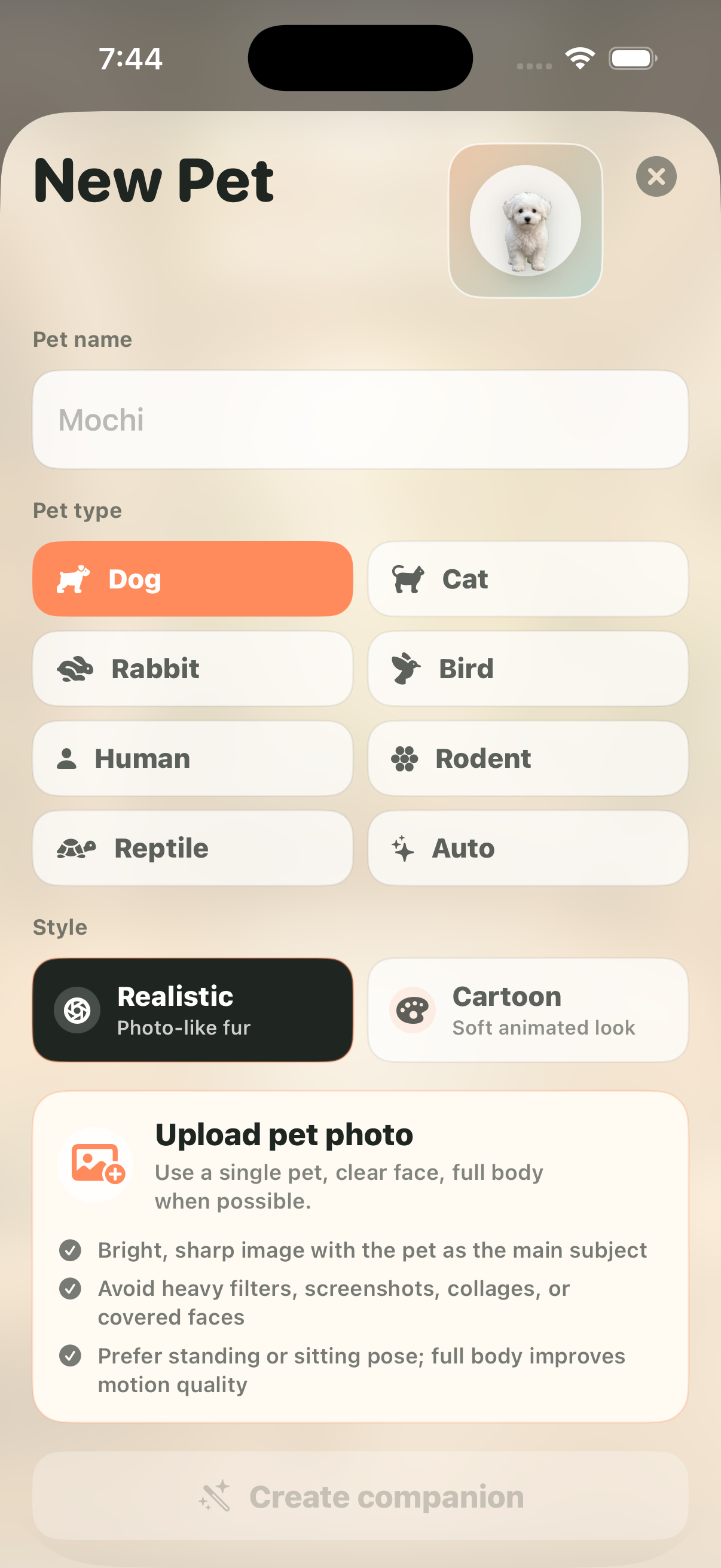 Create a pet
 Membership plans
Subscriptions renew monthly unless cancelled at least 24 hours before the end of the current period. Payment is charged to the Apple ID account at confirmation of purchase. Manage or cancel subscriptions in App Store account settings.
PetPal also has focused pages for mobile users looking for widget pets, Dynamic Island pets, StandBy companions, pet reminders, and lightweight virtual pet apps.
Visit the support page for questions about generation, subscriptions, imports, reminders, and desktop pet delivery.
PetPal only uses selected photos, reminder access you authorize, and purchase status needed to unlock Plus or Pro features.