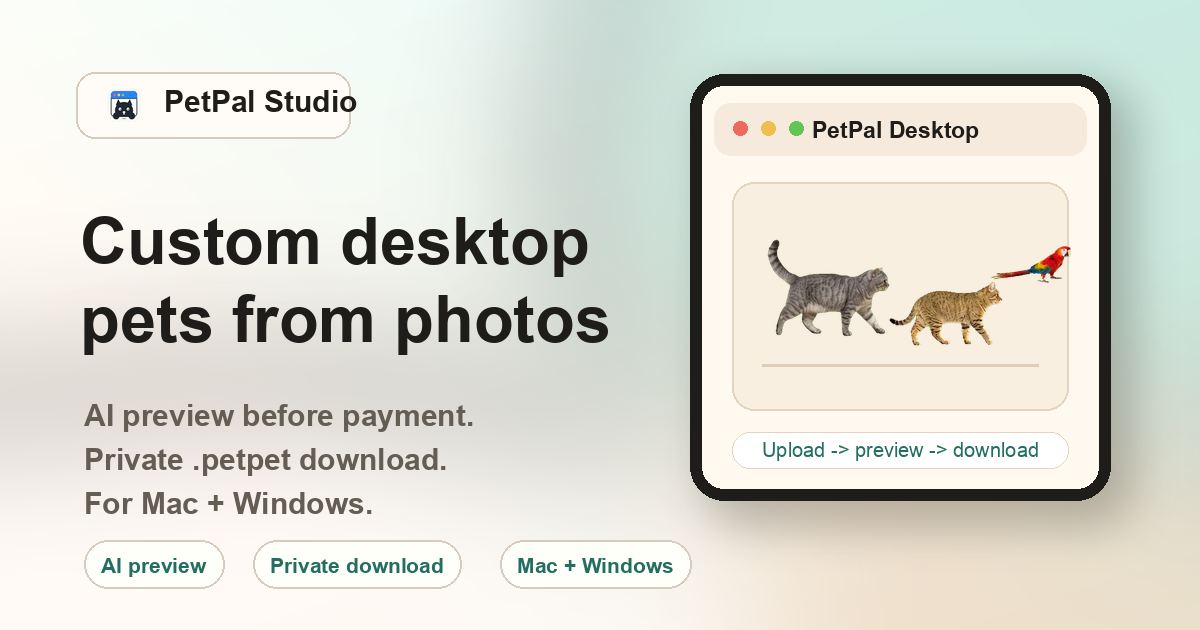
How the cat desktop pet generator works
You upload a clear cat photo, the AI generates a 4×6 action sheet of walking frames, the backend slices and aligns each frame into a smooth walk cycle, and the result is packaged as a .petpet file for PetPal Desktop. The entire process runs without requiring any drawing, animation, or sprite editing on your part.
Cat breeds and photo types that work well
The generator is not breed-locked — photo clarity matters more than the specific breed. However, certain cat types produce consistently good results because their fur patterns and body shapes give the AI strong visual reference points:
Orange tabby cats
Distinctive striped coats with high contrast between orange and lighter areas. The clear pattern helps the AI trace body outlines and frame animation transitions. Orange cats photographed in natural window light produce some of the cleanest desktop pet results.
Silver tabbies & grey cats
Well-defined stripe patterns with a readable silhouette. Avoid photos where the cat blends into a grey sofa or carpet — contrast between the cat and the background is essential for clean frame slicing.
Ragdolls & British shorthairs
Round faces and dense fur create a distinctive walking silhouette. Photos where the full body is visible work better than close-ups of just the face, because the AI needs limb reference points for the walk cycle.
Tuxedo & black-and-white cats
The high contrast between black and white patches provides excellent visual anchor points for the AI. These cats typically produce stable frame alignment, especially when photographed against a medium-brightness background.
Calico & tortoiseshell cats
Complex multi-color fur patterns can produce interesting desktop pet results, but the AI may simplify some color transitions for animation consistency. Choose photos with even lighting to preserve as much pattern detail as possible.
Solid-color cats (black, white, grey)
Solid coats present the biggest challenge because there are fewer visual reference points for frame alignment. If you have a solid black or solid white cat, add a contrasting collar or bandana, and make sure the background is the opposite brightness (light background for a black cat, darker background for a white cat).
Photo tips specifically for cat photos
Cats are naturally harder to photograph than dogs because they tend to curl up, hide their paws, or sit in compact poses. Here are specific tips for getting a cat photo that the AI can work with:
- Capture them standing or sitting upright. A full standing pose from the side or front-three-quarter angle gives the AI the most body reference data. Curled-up sleeping poses force the AI to infer limb positions, which can produce less natural walking frames.
- Use natural light near a window. Soft, diffused window light reveals fur texture without creating harsh shadows. Avoid flash — it flattens fur detail and can create red-eye or reflective glare in cat eyes.
- Get down to their eye level. Photos taken from above (pointing down at the cat on the floor) distort the body proportions. Kneel or crouch so the camera is roughly at the cat's height.
- Declutter the background. Move toys, food bowls, and other pets out of the frame. A plain wall or open floor behind the cat allows the AI to isolate the body outline cleanly.
- Use the original photo, not a screenshot. Messaging apps compress photos heavily. A screenshot from WhatsApp or iMessage strips critical detail from the fur texture. Always upload the original camera roll image.
Choosing between Realistic and Cartoon style
PetPal Studio offers two visual styles for cat desktop pets:
Realistic style
Best when your cat photo is sharp, well-lit, and you want the desktop pet to stay as close as possible to the original photo. Fur colors and patterns are preserved. Choose this if you want the desktop companion to be immediately recognizable as your specific cat.
Cartoon style
Best when the original photo is cute but visually busy — for example, a cat sitting on a patterned blanket with mixed lighting. The cartoon filter simplifies the visual information into a cleaner, more stylized character. It also works well for cats with very subtle fur patterns that might get lost in realistic mode.
What cat photos work best?
Use a full body or clear upper-body cat photo with a visible face, readable outline, and even lighting. Photos taken near a window or under soft room light usually work better than dark, blurry, or zoomed screenshots.
Which cat types are supported?
Orange cats, silver tabbies, ragdolls, British shorthairs, American shorthairs, tuxedo cats, calicos, and similar clear cat photos can be used. The generator is not breed-locked; photo clarity matters more than breed.
What is the generated result?
PetPal Studio creates a private animated .petpet package for PetPal Desktop. The package is designed to move as a small desktop companion on Mac or Windows after you import it into the desktop app.
What cat photos should I avoid?
Avoid tiny screenshots, heavy motion blur, extreme close-ups, and photos where furniture, blankets, hands, or another animal hide most of the cat body. These inputs make the generated outline and walking frames less stable.
How does the cat workflow run?
Choose Cat as the photo subject, pick a realistic or cartoon style, upload the image, then checkout unlocks the generated preview and private package after backend processing.
Can I upload before paying?
Yes. You can upload the photo before checkout; payment unlocks the generated preview and private pack for that order.
What should I do after payment?
After payment, use the private order links to download PetPal Desktop and the generated .petpet file. Open the desktop app, choose Import .petpet, and select the file from your downloads folder.
How can I improve the next cat result?
If a cat preview is weak, try a brighter image where the cat is standing or sitting with the body visible. A simpler background and less fur blending against the floor usually give the AI more usable shape information.
What makes cat photos harder than dog photos?
Cats often curl, hide paws, blend into blankets, or sit in compact poses. The generator can still work, but photos with a readable silhouette help the frame alignment and walking animation look more natural.
Should I choose realistic or cartoon style?
Use realistic style when you want the desktop pet to stay close to the uploaded cat photo. Use cartoon style when the original photo is cute but visually busy and you prefer a cleaner, more stylized companion.
Can I use a memorial cat photo?
Yes, if the photo is clear enough and you are comfortable uploading it for generation. For older memorial photos, choose the sharpest original file rather than a screenshot from a chat app.
What should this page prove before checkout?
A cat owner should understand what input photo to choose, what file will be delivered, how checkout unlocks the generated preview, and how the final .petpet file is imported into PetPal Desktop.