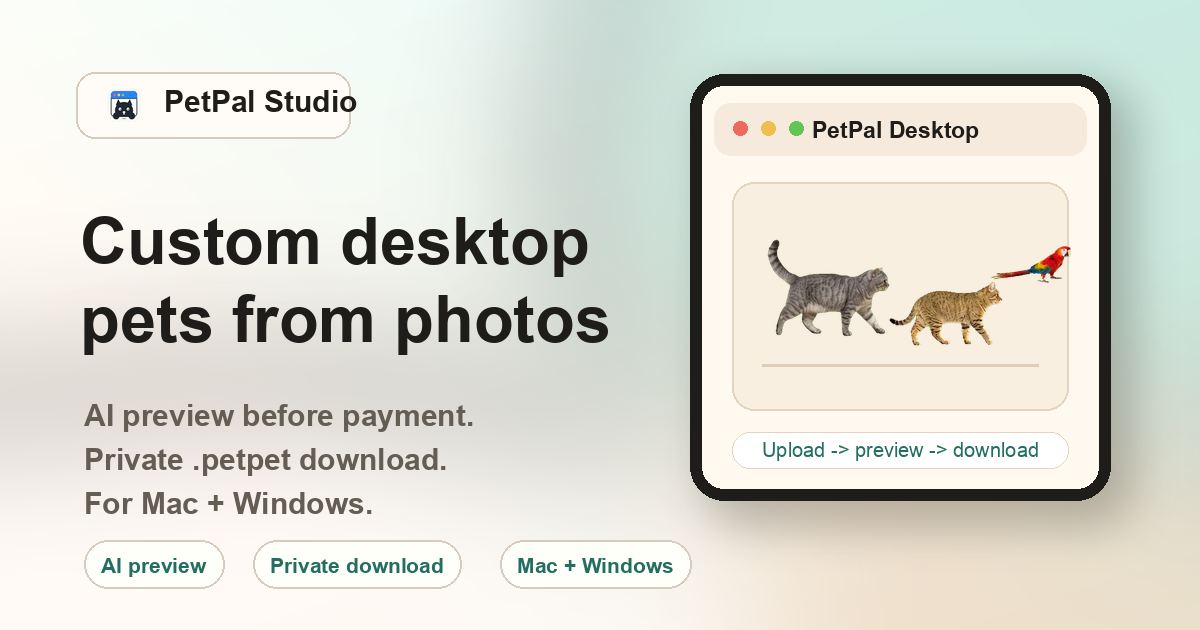
Why use an AI desktop pet maker instead of manual sprite creation
Traditional desktop pets — from classic Shimeji packs to custom Rainmeter skins — required hand-drawn sprite sheets with dozens of frames per animation. Making a single custom character meant hours of pixel art, frame sequencing, and format conversion. An AI desktop pet maker like PetPal Studio replaces that pipeline: you upload a photo, the AI generates the sprite sheet, slices it into frames, stabilizes the motion, and packages everything into a .petpet file — all without any drawing or coding on your part.
If you searched for how to code a desktop pet, PetPal is the shortcut rather than a programming tutorial: the site prepares the desktop companion package while you focus on choosing a clear pet photo and unlocking the generated preview after checkout.
What the PetPal Studio maker workflow looks like
1. Upload a pet photo
Choose a clear photo of your cat, dog, rabbit, bird, or other pet. The AI needs a visible body outline — good lighting and a simple background help more than high resolution.
2. AI generates the locked preview
The pipeline isolates the subject, generates a multi-frame sprite sheet, slices it into individual frames, and prepares a locked preview animation. This step takes several minutes.
3. Checkout unlocks the preview
Upload a photo first, then checkout unlocks the generated preview and private .petpet pack. If the result has a generation issue, contact support with your order.
4. One-time payment
A single $10 payment unlocks the private download. No subscription, no recurring charge, no credit system. You pay once and keep the files.
5. Download and import
After payment, download PetPal Desktop for Mac or Windows, then download the .petpet file. Use the app's Import action to place the pet on your desktop.
6. Keep forever
The .petpet file is yours permanently. Reinstall it later, move it to a new machine, or keep it as a backup. No account login or cloud dependency required after download.
How the AI maker compares with manual methods
| Approach | Time | Skill needed | Result |
|---|---|---|---|
| PetPal Studio AI maker | ~2 minutes | None — upload a photo | Custom .petpet from your pet |
| Shimeji sprite editing | 4-8 hours | Pixel art, frame sequencing | One hand-drawn character |
| Rainmeter + custom skin | 2-6 hours | Lua scripting, image editing | Static or simple animated widget |
| Unity / Godot desktop pet | 20-40 hours | Game engine, C# or GDScript | Fully custom interactive pet |
FAQ
Who is this desktop pet maker for?
People who want a small animated desktop companion that looks like their own pet, not a generic character pack. No drawing or coding skills needed.
Do I need to code a desktop pet?
No. PetPal Studio handles the action sheet, frame slicing, alignment, and .petpet packaging from a clear pet photo.
What photo should I upload?
A clear phone photo of a cat, dog, rabbit, bird, or other pet with enough visible body detail. Natural lighting and a simple background produce the best results.
What file do I receive?
A private .petpet package that can be imported into PetPal Desktop on Mac or Windows.
How does the workflow work?
Upload the photo, then pay once to unlock the generated preview and private .petpet pack.
Do I need to install anything before using the maker?
The maker runs in your browser — no installation needed to upload and create an order. You only install PetPal Desktop after payment to import the .petpet file.
Can I make desktop pets for multiple animals?
Yes. Each pet needs its own photo upload and order. You can run multiple pets through the maker in separate sessions.