How to get a desktop pet on Windows from your own photo
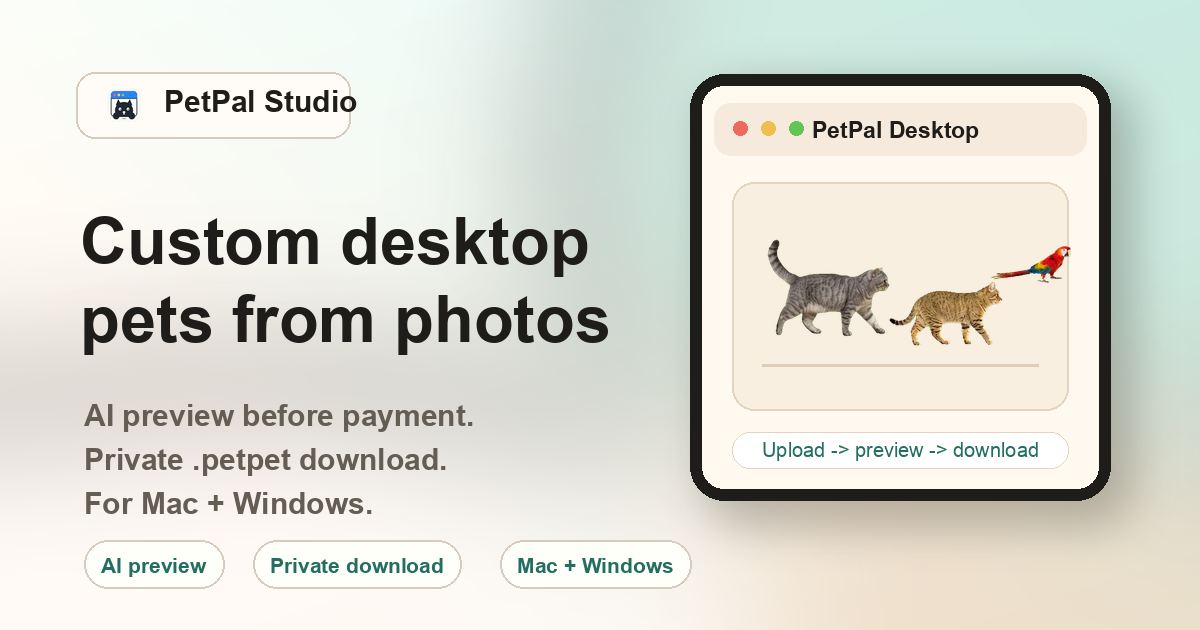
Upload a clear pet photo, then pay once ($10) to unlock the generated preview, PetPal Desktop for Windows download, and your custom .petpet file. Import the file into the desktop app and your pet walks on the Windows desktop. No drawing, no animation software, and no sprite pack configuration required.
Windows system requirements
- Windows version: Windows 10 version 1909 or later, or Windows 11. 64-bit required.
- Disk space: Approximately 130 MB for the desktop app. Each .petpet file is 2-8 MB.
- Memory: Resource use depends on the current desktop build and the imported package. Check the latest delivery notes if memory or battery use matters for your setup.
- Graphics: Any modern GPU. The app uses standard Windows desktop rendering. No dedicated graphics card required.
- Permissions: Windows SmartScreen may show a warning on first launch because the app is downloaded outside the Microsoft Store. Click "More info" then "Run anyway" to proceed — the app is digitally signed.
Windows installation steps
1. Generate on the web. Go to the create page, select your pet type and style, upload a clear photo, and keep the order details available while the locked generated preview and package are prepared.
2. Review the preview. Checkout unlocks the generated preview, private .petpet file, and delivery links.
3. Pay and download. Complete payment via Stripe. From your private order page, download PetPal Desktop for Windows (a signed .exe installer) and your .petpet file.
4. Install and import. Run the installer. Open PetPal Desktop from the Start Menu or system tray. Click Import .petpet, select your downloaded file, and the pet appears on your desktop.
How PetPal Studio compares to other Windows desktop pet tools
Shimeji (Java-based)
The most well-known Windows desktop pet system. Free and community-driven, but requires Java runtime installation, engine/sprite pack matching, and manual configuration. Characters are pre-made anime sprites, not your own pet.
Rainmeter skins
A desktop customization platform with thousands of user-created skins. Some skins include animated characters, but Rainmeter is a general customization tool — not a dedicated pet app. Setup involves installing Rainmeter, finding a compatible skin, and configuring it manually.
Desktop Goose / Desktop Junk
Novelty Windows programs that add a single disruptive character (a goose that drags memes, or various junk items). Fun for pranks, but not designed for personal pet photos or ongoing desktop companionship.
PetPal Studio (Native Windows app)
Your own pet photo becomes the desktop companion. Upload first, pay once, unlock the preview, then import the .petpet file. Native Windows app with system tray integration. No Java, no sprite packs, no config editing.
How does the Windows workflow work?
Upload a photo, pay once to unlock the generated preview and private pack, then install PetPal Desktop for Windows.
What import format does Windows use?
The custom pet is delivered as a .petpet file.
What photos work best on Windows?
Use sharp, bright pet photos with the subject large enough in frame.
Is the .petpet file public?
No. The .petpet package is tied to the paid order and is not listed publicly.