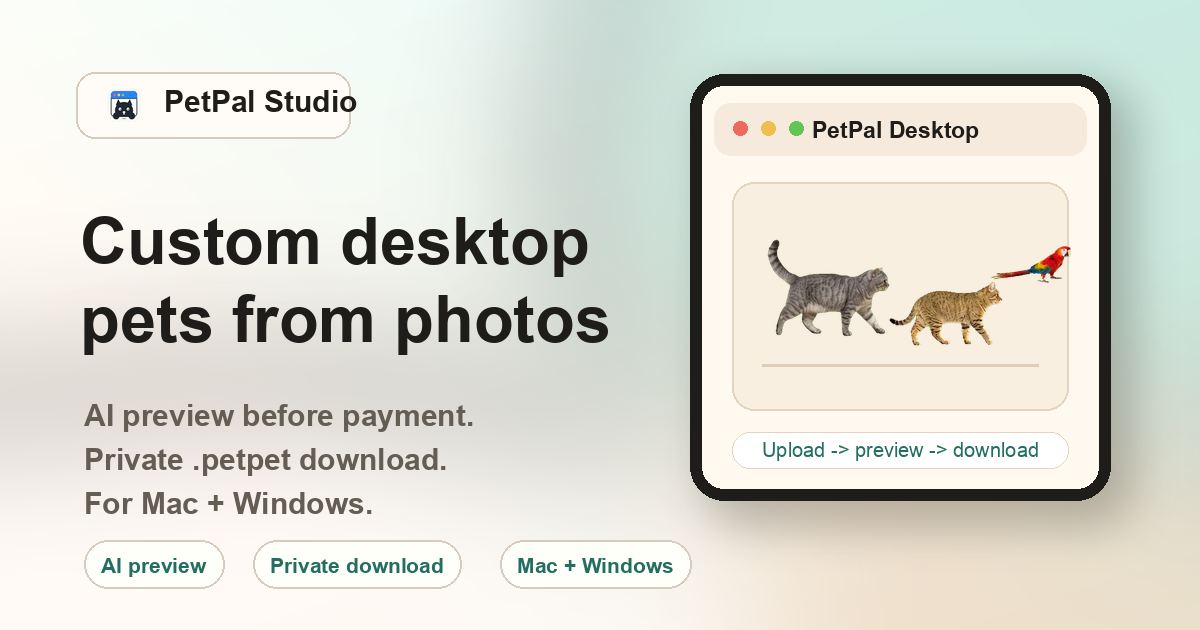
How dog desktop pets are generated from photos
PetPal Studio accepts a single front-facing or three-quarter dog photo and runs it through an AI pipeline that isolates the subject, generates a sprite sheet, slices it into frames, and packages everything into a .petpet file. The output is a small animated desktop companion that walks, sits, and plays across your screen. Because the source is your own photo, the result is tied to your specific dog — not a stock breed that happens to look similar.
Dog breeds that work well with PetPal Studio
The pipeline is breed-agnostic, meaning it works on any dog with a clear silhouette. However, some coat types and body shapes produce noticeably cleaner results:
Golden Retriever & Labrador
Solid golden or cream coats with strong outlines. The AI handles these well because the fur tone is consistent and the body shape is well-defined in most photos.
Husky & Malamute
Distinct face masks and upright ears give the generator strong facial features to latch onto. Mixed lighting on thick coats can occasionally blur edge detection.
Corgi & Dachshund
Short legs and long bodies are a unique silhouette, but the AI handles them correctly when the full body is visible. Avoid photos where the dog is lying down.
Poodle, Bichon & curly coats
Curly and fluffy coats create soft edges that can confuse the isolation step. Use a photo with strong natural lighting and a contrasting background for best results.
Small & toy breeds
Chihuahuas, Pomeranians, Shih Tzus and similar small dogs work best when they fill at least 40% of the frame. Tiny subjects in wide shots produce lower-detail sprites.
Mixed breeds & rescues
The generator does not require breed identification. Mixed-breed dogs with clear outlines produce equally good results. Coat color and lighting matter more than pedigree.
Dog photo tips for better desktop pet results
- Lighting: Natural daylight from a window or outdoors works best. Avoid heavy shadows across the dog's face or body.
- Background: A plain wall, grass, or simple floor background helps the AI separate the dog from the scene. Busy patterned rugs or cluttered rooms increase noise.
- Angle: Eye-level or slightly above. Avoid extreme top-down shots where the dog looks like a blob from above.
- Ears and tail: Dogs with visible ears and tails produce more expressive desktop animations. A tucked tail or cropped ears in the photo won't break the result, but the animation may look less lively.
- Dark coats: Black Labs, dark GSDs, and other dark-coated dogs need extra light to reveal coat texture. Use a photo taken in bright conditions — not a dim indoor shot.
- Multiple dogs: The generator works on one dog per photo. If you have two dogs, upload separate photos in separate sessions.
Dog vs cat desktop pets: what's different?
The generation pipeline is the same for dogs and cats, but the input photos matter differently. Cats with sharp ear outlines and slimmer bodies often produce tighter edge detection. Dogs with long fur, floppy ears, or large body mass can produce softer outlines. Neither is inherently better — the quality depends on how clearly the subject is photographed, not the species.
FAQ
Can I generate a desktop pet from a puppy photo?
Yes. Puppy photos work as long as details like eyes, nose, and body outline are visible. Very young puppies photographed from far away may produce lower-detail sprites.
Does the dog breed affect pricing?
No. Pricing is the same regardless of breed. You pay once for the .petpet file and desktop app download.
What if my dog's photo doesn't produce a good result?
You upload before checkout. After payment unlocks the preview, contact support with the order ID if the result is not usable.
Can I make desktop pets for multiple dogs?
Yes. Each dog needs its own photo upload and order. You can run multiple dogs through the generator in separate sessions.
Does it work with dog photos taken on a phone?
Yes. Most modern phone cameras produce more than enough resolution. The key factors are lighting, background simplicity, and how much of the frame the dog occupies.