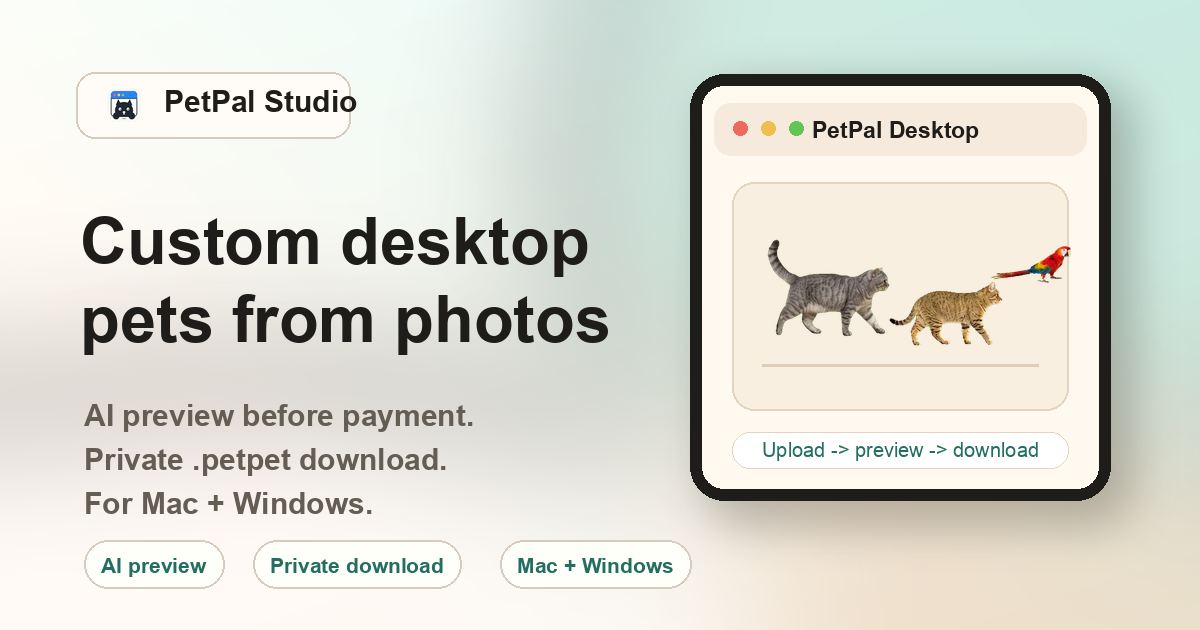
What makes this an AI desktop pet generator
Unlike general image generators that output a single static picture, PetPal Studio is built specifically for desktop pets. The AI receives your pet photo as a reference, generates a 4×6 grid of animation frames (each frame is a distinct walking pose), then the backend slices, aligns, and packages them into a consistent walk cycle. The output is a .petpet file — an importable desktop pet package, not a loose image or video file.
If you searched for how to code a desktop pet, this AI generator is the no-code option: it creates the action sheet and importable package without asking you to draw frames, write movement logic, or build a desktop runtime.
How the AI generation pipeline works
The generation process happens in stages, not as a single-step image generation:
- Photo analysis. The backend checks whether the uploaded photo is usable: minimum resolution, brightness threshold, whether a clear animal subject is detectable. Blurry, dark, or extremely small images are rejected before generation begins so you can choose a better photo without losing time.
- Frame generation. The AI generates each of the 24 animation frames individually, using your uploaded photo as the visual reference. Each frame represents a distinct step in the walk cycle — the legs, body position, and tail change position slightly from frame to frame.
- Frame alignment. After all frames are generated, the backend cross-checks them for consistency. It stabilizes the body position, aligns the movement axis, and ensures the walk cycle loops smoothly without jarring jumps between frames.
- Packaging. The aligned frames are compiled into a .petpet file — the standard package format that PetPal Desktop can import. The file includes the animation data, frame timing metadata, and the pet identity information.
What affects the AI generation quality
Several factors influence how natural the final desktop pet looks. Understanding these helps you choose the best photo for generation:
Photo clarity and resolution
Original camera files usually produce cleaner generation results than small screenshots, thumbnails, or heavily compressed chat images. Choose the clearest photo you have, with the pet large enough in frame.
Subject visibility
The AI needs to see the pet clearly. A full-body or clear upper-body shot with the face visible works best. Pets hidden behind furniture, another animal, or heavy shadows produce inconsistent results because the AI has to guess at the occluded body parts.
Lighting and contrast
Even, natural lighting produces the most consistent generation results. Avoid photos where the pet is silhouetted against a bright window or where half the body is in deep shadow. The AI traces outlines based on brightness edges, so clear contrast between the pet and the background is essential.
Pose and angle
A side or front-three-quarter standing pose gives the AI the most reference data for generating walking frames. Lying-down or curled-up poses still work, but the AI has to infer limb structure, which can lead to less natural-looking walking animation.
AI desktop pet generator vs. general image generators
You might wonder: why not use DALL·E, Midjourney, or Stable Diffusion to generate a desktop pet? These tools can create beautiful animal images, but they do not produce animation sheets, walk cycles, frame-aligned sequences, or importable desktop pet files. Here is how they compare:
| Capability | General AI image generator | PetPal Studio |
|---|---|---|
| Output type | Single static image. | .petpet file with 24-frame walk cycle. |
| Animation | No built-in animation support. | Generates a 4×6 action sheet, slices, aligns, and packages frames for smooth desktop walking. |
| Personalization | Prompt-based. Describing your specific pet in words is imprecise. | Photo-based. The AI uses your actual pet photo as the reference, preserving recognizable features. |
| Post-processing | You must manually create or configure sprite sheets from generated images. | No post-processing needed. The .petpet file imports directly into PetPal Desktop. |
| Desktop integration | None. The image is a standalone file. | The .petpet file plus PetPal Desktop app creates a walking pet on your actual desktop. |
Is the result just a static image?
No. The generator produces an animated desktop pet package with action frames and import configuration.
Can I upload before paying?
Yes. Users can upload before checkout; payment unlocks the generated preview and private pack.
Do I need to code the desktop pet?
No. The AI generator creates the action sheet, and the backend slices, aligns, and packages it into an importable .petpet file.
Does it support Mac and Windows?
Yes. The generated .petpet file is designed for PetPal Desktop on both macOS and Windows.
What photo quality works best?
Sharp, bright photos with the pet body visible usually produce better previews.