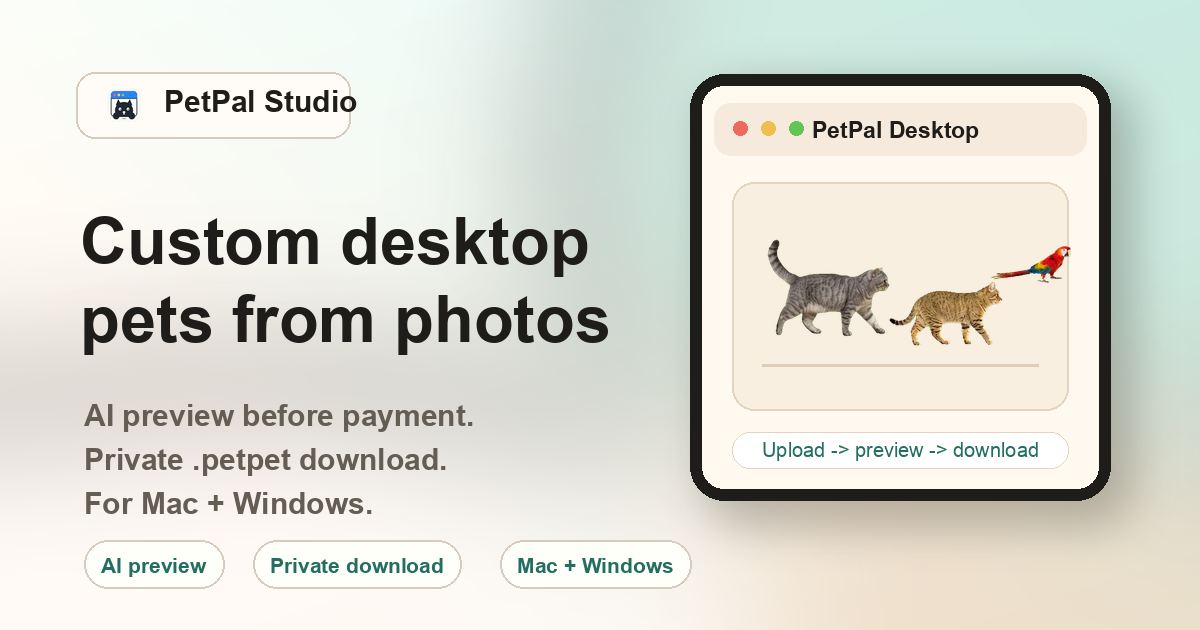
What is a desktop buddy — and how is it different from a desktop pet?
Some users search for desktop buddy when they want a companion that feels less like a toy and more like a familiar presence. The word buddy implies something that keeps you company — it sits on your screen while you work, study, code, or browse. It does not demand attention the way a game character might. PetPal Studio creates desktop buddies from real pet photos, so the result is not a cartoon or a stock character but a small animated version of a specific animal you know.
Why people search for a desktop buddy instead of a desktop pet
Work companion
Writers, designers, developers, and remote workers who spend long hours at their computer often want a quiet companion on screen — something that moves occasionally but never interrupts. A desktop buddy from a familiar pet photo fills that role better than a random mascot.
Study buddy
Students preparing for exams or working on long assignments describe wanting a study buddy on their desktop. The term appears in search queries alongside pomodoro timers, focus apps, and background music tools.
Coding companion
Developers often joke about rubber duck debugging. A pet-based desktop buddy serves a similar psychological function: a small presence that makes solitary coding sessions feel less isolated.
Comfort after pet loss
Users who have recently lost a pet sometimes look for a buddy rather than a pet — the softer vocabulary reflects the emotional context. A desktop companion from a photo of a pet that has passed away can be a gentle daily reminder without the sharper associations of memorial or tribute.
How other desktop buddy tools compare
| Tool | Source | Personalization | Platform |
|---|---|---|---|
| PetPal Studio | Your own pet photo | Custom — specific to your animal | Mac + Windows |
| Shimeji / variants | Pre-made sprite packs | Limited to available characters | Java runtime (any OS) |
| eSheep | Static sheep sprites | None — same sheep for everyone | Windows (legacy) |
| Desktop Goose | Single goose character | None — prank-focused | Mac + Windows |
| Browser extensions | Web-based sprites | Limited to extension catalog | Browser only (not desktop) |
Creating your own desktop buddy: step by step
- Pick a photo: Choose a clear shot where your pet's face, body, and outline are visible. Front-facing or three-quarter angles work best. Avoid photos where the pet is tiny in the frame.
- Upload to PetPal Studio: Go to the Create page, select your photo, and choose the animal type. The AI pipeline isolates the subject and generates animation frames.
- Review the preview: Checkout unlocks the generated buddy preview and private .petpet pack. If the result has a generation issue, contact support with the order.
- Pay once: A single $10 payment unlocks the .petpet file and the PetPal Desktop app download. There is no subscription and no recurring charge.
- Import and keep: Open PetPal Desktop, use the tray menu to import the .petpet file, and your buddy appears on screen. The file is yours permanently — reinstall later, move to a new computer, or keep as a backup.
FAQ
What is a desktop buddy?
A small animated companion that sits on your computer desktop while you work or play, generated from your own pet photo.
Can it look like my own pet?
Yes. PetPal Studio starts from your uploaded pet photo and generates a private desktop companion pack specific to that animal.
Does it work on desktop computers?
Yes. PetPal Desktop is designed for macOS (Apple Silicon and Intel) and Windows (10 and 11).
What file is delivered?
The generated companion is delivered as a .petpet package — a self-contained file that imports directly into PetPal Desktop.
Is this the same as a virtual pet game?
No. A desktop buddy from PetPal Studio is a visual companion overlay — it walks, sits, and plays on your screen but does not require feeding, leveling, or interaction. It is a presence, not a game.
Can I customize the buddy's behavior?
The desktop buddy walks, sits, and plays in a fixed animation cycle. There is no interaction menu or behavior customization in the current version. The personalization is in the visual — it looks like your pet.